| Você precisará de:
1 tube personagem
1 imagem jpg de paisagem
*
Coloque a seleção na pasta Selections
do PSP
*
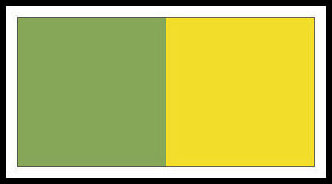
Cores originais
Abra uma nova imagem Transparente com
950x650px
Selections / Select all
Copie a paisagem
Cole na seleção
Select none
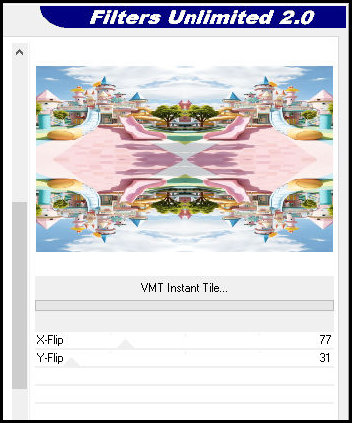
Effects / Plugins / Unlimited 2 / Bkg
Designers sf10 III / VMT Instant Tile
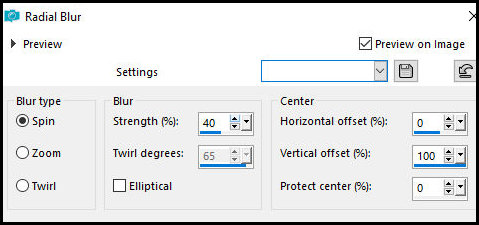
Adjust / Blur / Radial Blur
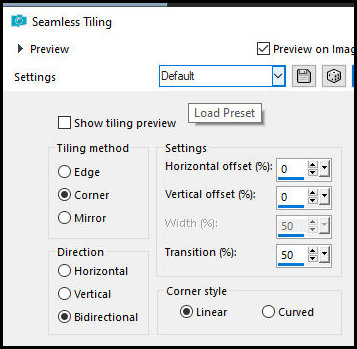
Effects / Image Effects / Seamless
Tiling - default
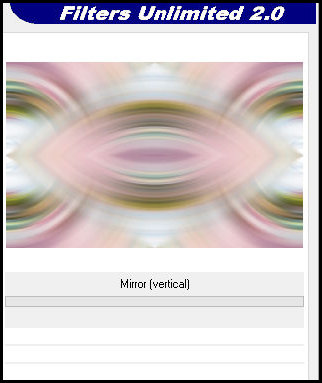
Effects / Plugins / Unlimited 2 / Tile
& Mirror / Mirror (vertical)
Effects / Edge Effects / Enhance More
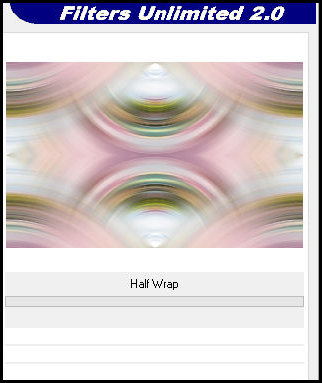
Effects / Plugins / Simple / Half Wrap
Selections / Load selection from disk
/ Selection [19.06.2025-ML]
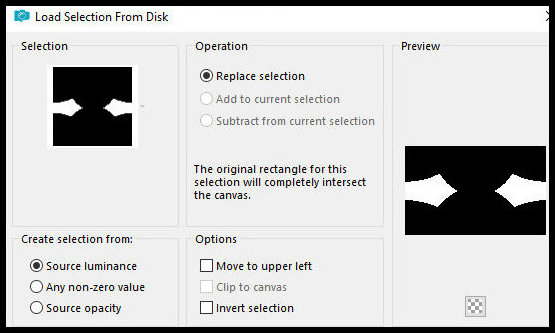
Selections / Promote selection to
layer
Select none
Effects / Plugins / DSB Flux / Linear
Transmission
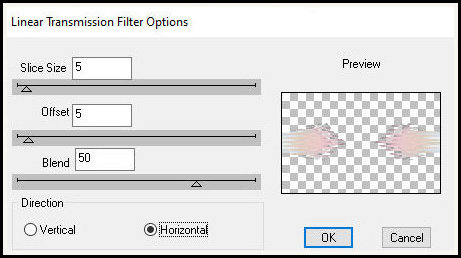
Drop Shadow: 1 1 80
1 preto
Layers / Properties / Blend Mode:
Overlay
Copie o tube [Deco-ML-01]
Cole como nova layer
Layers / Arrange / Move Down
Layers / Properties / Blend Mode: Soft
Light
Ative a layer superior
Copie o tube [Fillette-ML]
Cole como nova layer
Ajuste o tamanho se for necessário
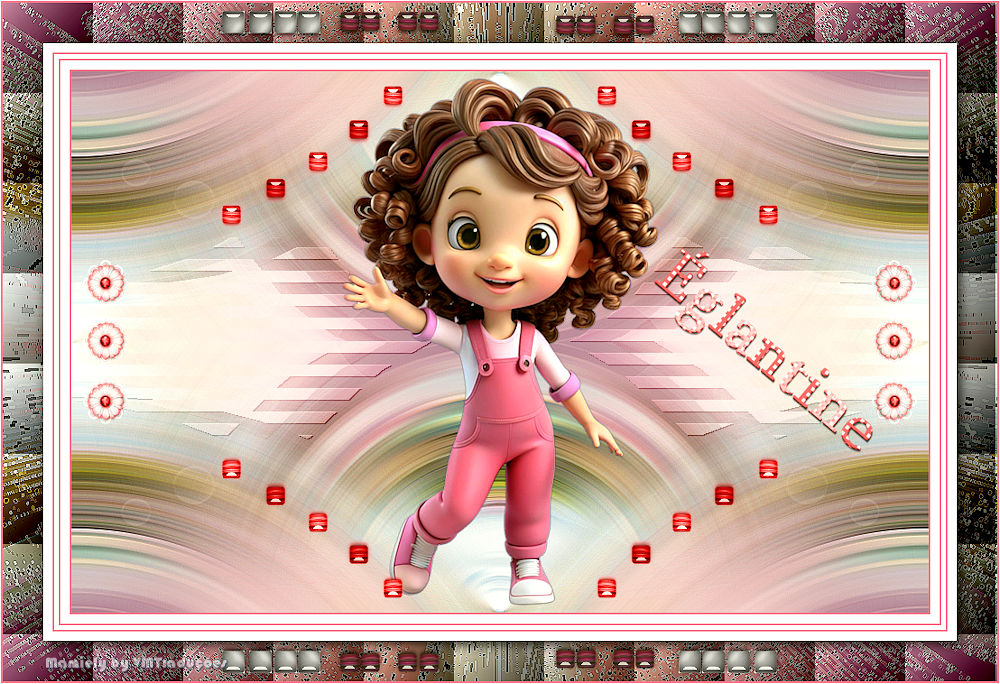
Posicione conforme o modelo
Drop Shadow: 0 0 80
1 preto
Copie o tube [Deco-ML-02]
Cole como nova layer
Copie o tube [Deco-ML-03]
Cole como nova layer
Copie o texto [Texte Eglantine]
Cole como nova layer
Posicione como preferir
Merge all
Copie (ficará na memória)
Bordas:
2px / cor do foreground
10 px / branco
2px / cor do foreground
5px / branco
2px / cor do foreground
10px / branco
Selections / Select all
Borda: 45px / branco
Selections / Invert
Cole na seleção a imagem que está na
memória
Adjust / Blur / Gaussian Blur: 20
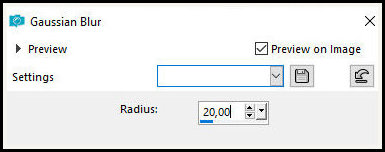
Adjust / Add/Remove Noise / Add Noise
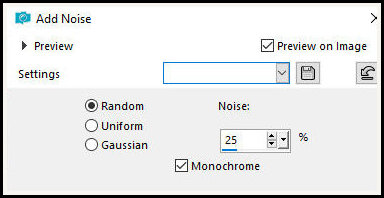
Effects / Plugins / Unlimited 2 /
FunHouse / Spyro Zag
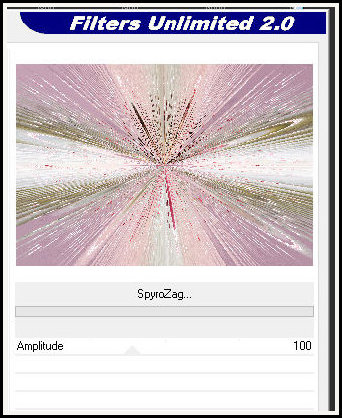
Effects / Edge Effects / Enhance
Effects / Plugins /Unlimited 2 / BKG
Desginers sf10 III / Square Bumps
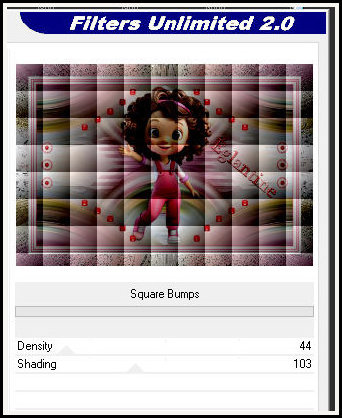
Selections / Invert
Drop Shadow: 4 4 85
20 preto
Select none
Copie o tube [Cadre-ML)
Cole como nova layer
Borda:
2px / cor do foreground
1px / branco
Image / Resize: 950px (width)
Coloque as assinaturas
Merge all
Salve como jpeg
|