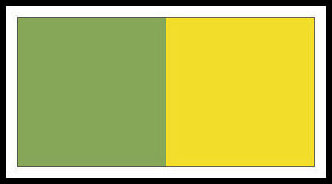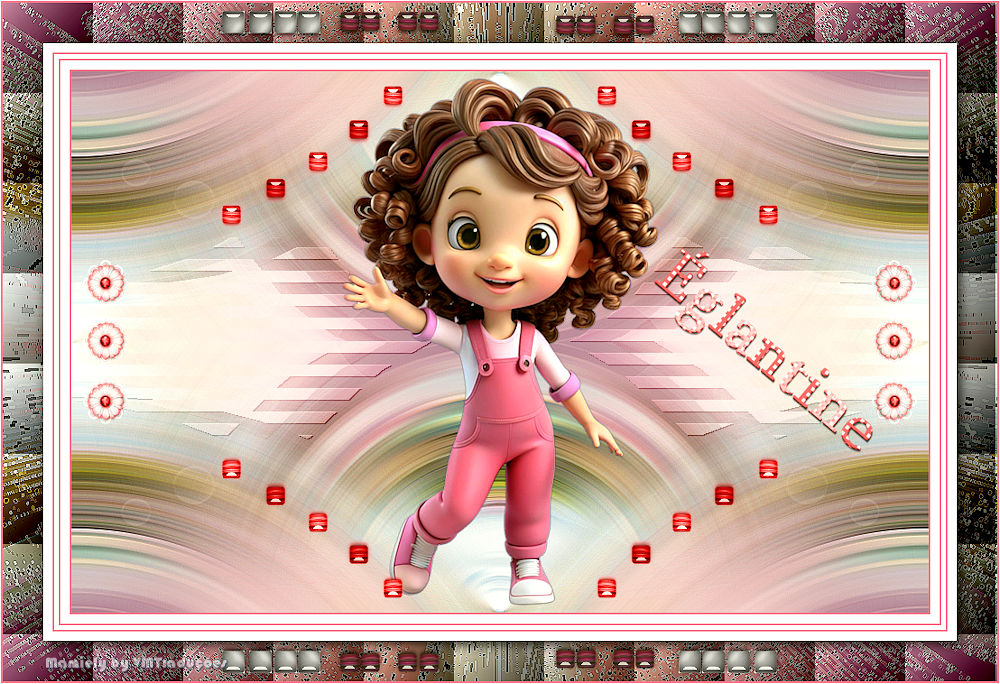

This tutorial is from Mamiely who I thank for letting me translate their tutorials.



Original here


Tubes

Material

My images: Here


Plugins

Unlimited 2 - BKG Designers sf10 III - Tile & Mirror - Simple - DSB Flux - FunHouse


You can find these plugins on the websites of:

Renée
Cloclo

You can also find this tutorial translated into these languages:
(Click on the flag)


SCRIPT


Notes:
> Open the material / Duplicate (shift+d) / Close the originals
> Change the blend mode of the layers to match their colors.
> In older versions of PSP, Mirror Horizontal=Mirror / Mirror Vertical=Flip / Pick tool=deformation

> Open the masks in psp and minimize
>Adjust the size of the tubes according to your images


*


You will need:
1 tube character
1 landscape JPG image
*
Place the selection in the PSP Selections folder
*
Original colors

Open a new transparent image measuring 950x650px
Selections / Select all
Copy the landscape
Paste into the selection
Select none
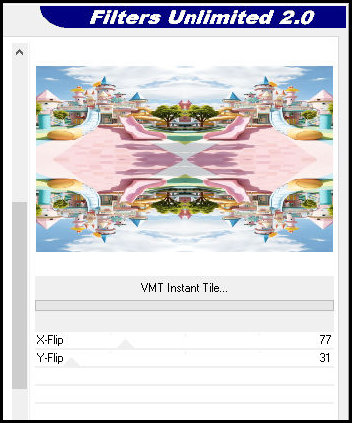
Effects / Plugins / Unlimited 2 / Bkg Designers sf10 III / VMT Instant Tile

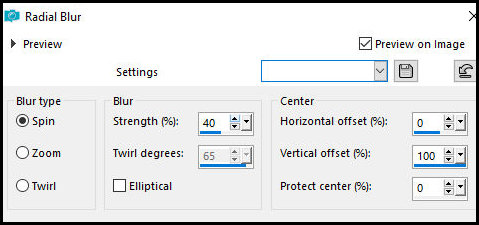
Adjust / Blur / Radial Blur

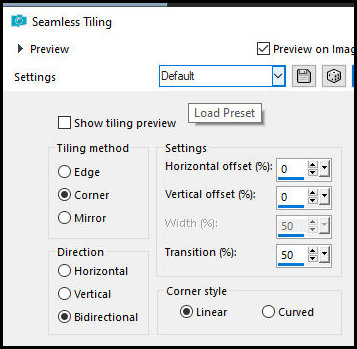
Effects / Image Effects / Seamless Tiling - default

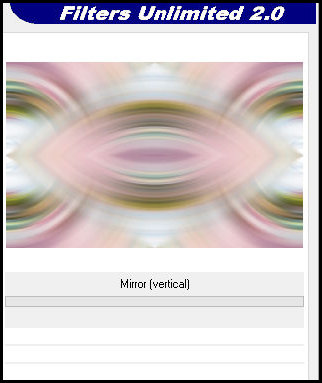
Effects / Plugins / Unlimited 2 / Tile & Mirror / Mirror (vertical)

Effects / Edge Effects / Enhance More
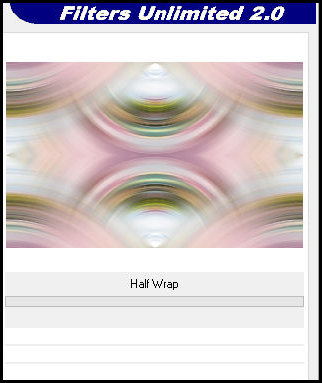
Effects / Plugins / Simple / Half Wrap

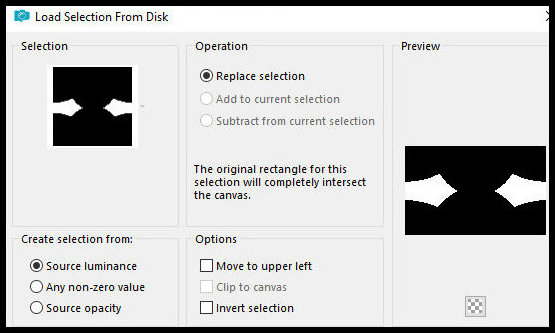
Selections / Load selection from disk / Selection [19.06.2025-ML]

Selections / Promote selection to layer
Select none
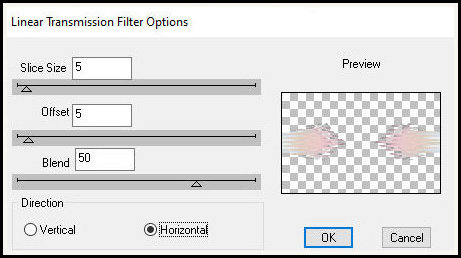
Effects / Plugins / DSB Flux / Linear Transmission

Drop Shadow: 1 1 80 1 black
Layers / Properties / Blend Mode: Overlay
Copy the tube [Deco-ML-01]
Paste as a new layer
Layers / Arrange / Move Down
Layers / Properties / Blend Mode: Soft Light
Activate the top layer
Copy the tube [Fillette-ML]
Paste as a new layer
Adjust the size if necessary
Position according to the model
Drop Shadow: 0 0 80 1 black
Copy the tube [Deco-ML-02]
Paste as a new layer
Copy the tube [Deco-ML-03]
Paste as a new layer
Copy the text [Texte Eglantine]
Paste as a new layer
Position as desired
Merge all
Copy (will remain in memory)
Borders:
2px / foreground color
10px / white
2px / foreground color
5px / white
2px / foreground color Foreground
10px / White
Selections / Select All
Border: 45px / White
Selections / Invert
Paste the image in memory into the selection
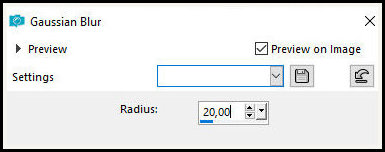
Adjust / Blur / Gaussian Blur: 20

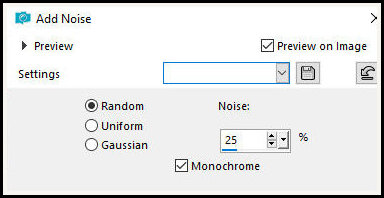
Adjust / Add/Remove Noise / Add Noise

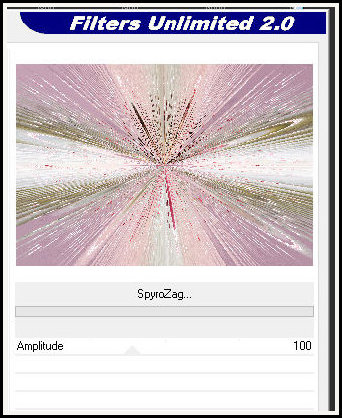
Effects / Plugins / Unlimited 2 / FunHouse / Spyro Zag

Effects / Edge Effects / Enhance
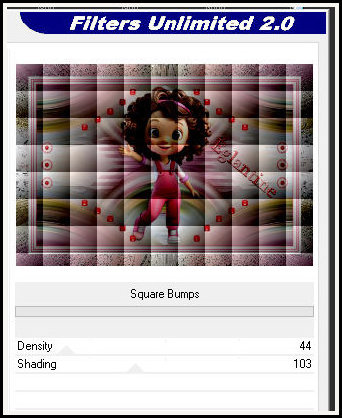
Effects / Plugins / Unlimited 2 / BKG Designers SF10 III / Square Bumps

Selections / Invert
Drop Shadow: 4 4 85 20 black
Select None
Copy the tube (Cadre-ML)
Paste as a new layer
Border:
2px / Foreground color
1px / White
Image / Resize: 950px (width)
Place the signatures
Merge All
Save as a JPEG