|
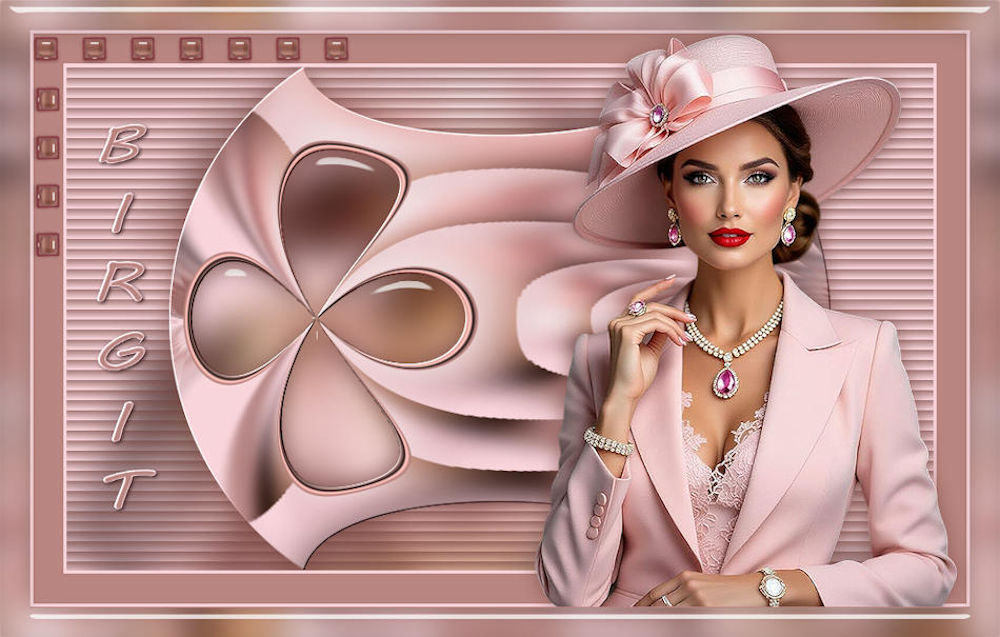
(imagem original de Manyi)
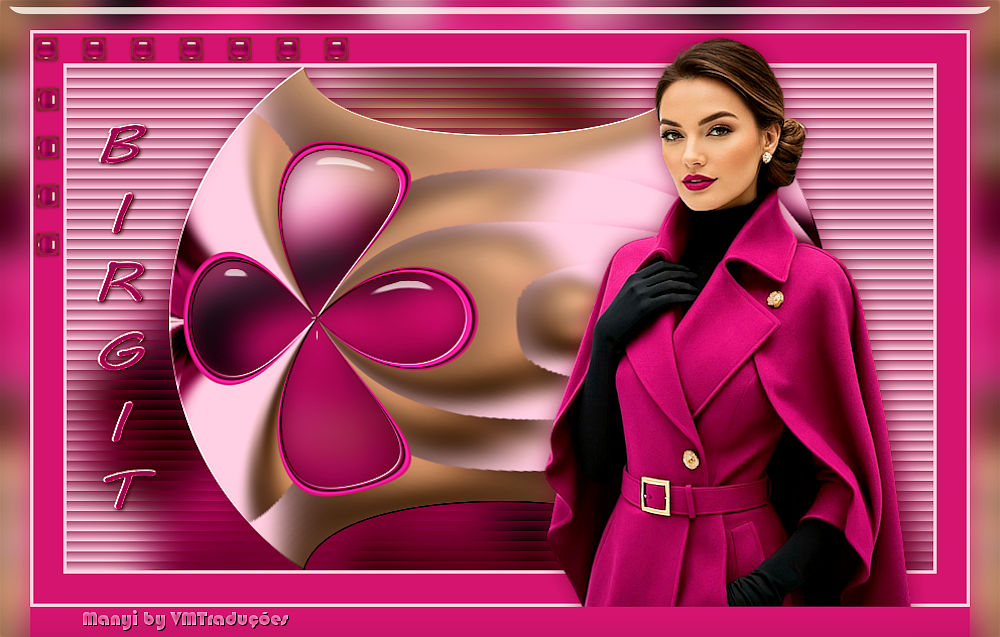
(minha versão)
Este tutorial é de Manyi a quem agradeço por me deixar traduzir seus tutoriais.
Material
Flaming Pear - Eye Candy 5: Impact - Mura's Seamless
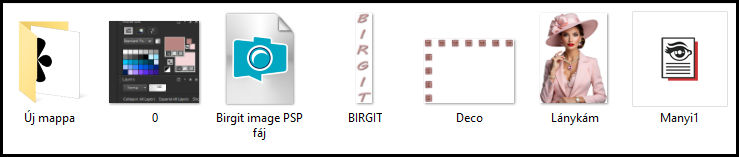
ROTEIRO Imagens usadas: 1 tube feminino *** Material:
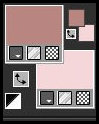
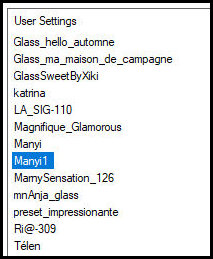
*** *** Clique duas vezes no preset [Manyi1] para que seja instalado no plugin *** 1 Abra o arquivo alpha [Birgit image PSP fáj] Duplique (shift+d) - Feche o original Coloque a cor #b98580 no foreground e a cor #f8d5db no background
Pinte a imagem com a cor do background
2 Selections - Select all Copie o tube principal [Lánykám] Cole na seleção
3 Select none Adjust - blur - Gaussian Blur: 20
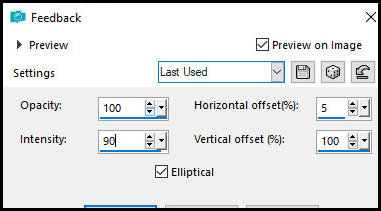
4 Layers - Duplicate Effcts - Reflection Effects - Feedback
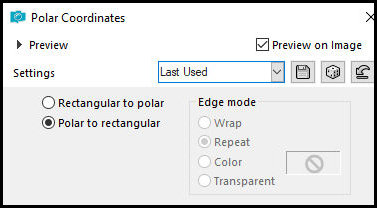
5 Effects - Distortion Effects - Polar Coordinate
6 Image - Resize: 80% - all layers desmarcado
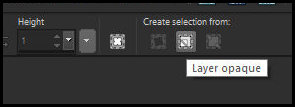
7 Ative a Selection Tool e em Creat Selection From, clique em Layer opaque
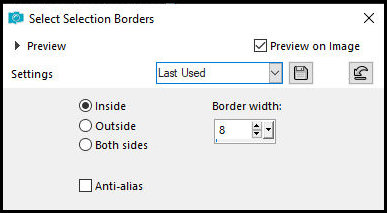
8 Selections - Modify - Select selection borders
9 Adicione uma nova layer Pinte a seleção com a cor #b98580
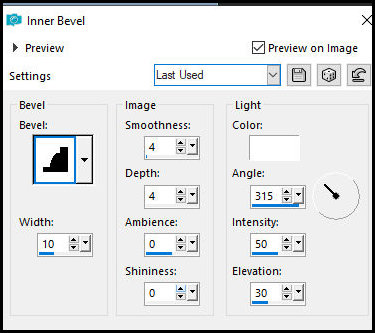
10 Effects - 3D Effects - Inner Bevel
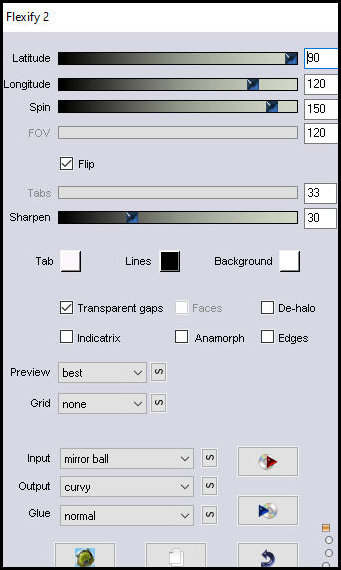
11 Select none 12 Merge down 13 Effects - Plugins - Flaming Pear - Flexify 2
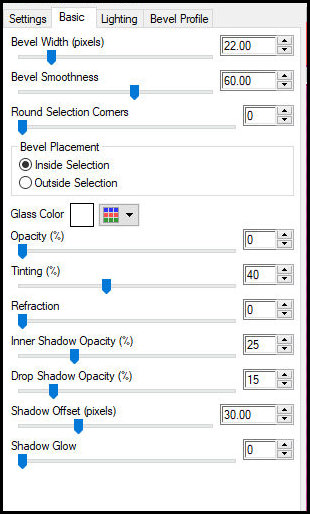
14 Selections - Load selection from alpha channel - Selection 1 15 Ative a layer de fundo Selections - Promote selection to layer 16 Effects - Plugins - Eye Candy 5: impact - Glass
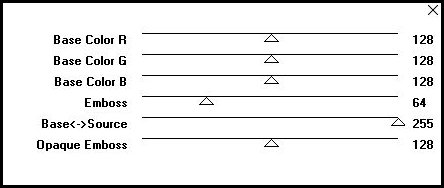
17 Select none 18 Ative a layer superior Effects - Plugins - Mura's Seamless - Emboss at Alpha - Default
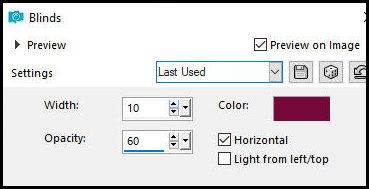
19 Drop shadow: 0 0 65 30,00 #784742 20 Ative a layer de fundo Effects - Texture Effects - Blinds - cor: foreground PRINTS
21 Image - Add borders - 3px - #f8d5db Image - Add borders - 30px - #b98580 Image - Add borders - 3px - #f8d5db 22 Copie o tube principal Cole como nova layer Pick Tool (K) : X=500 Y=4 Pressione M Adjust - sharpness - Sharpen Drop Shadow: 0 0 65 30,00 #784742 25 Selections - Select all Image - Add borders - 30px - #b98580 26 Effects - Image Effects - Seamless Tiling default 27 Selections - Invert Adjust - Blur - Gaussian Blur: 15 28 Select none Effects - Plugins - Eye Candy 5: Impact - Glass - Preset [Manyi1]
30 Copie [Deco] Cole como nova layer Pick Tool(K): X=30 Y=34 Pressione M
31 Copie o título [Birgit] Cole como nova layer Pick Tool (K):X= 93 Y=120 Pressione M Coloque os créditos 32 Merge all 33 Image - Resize: 950x605px 34 Salve como jpeg
|