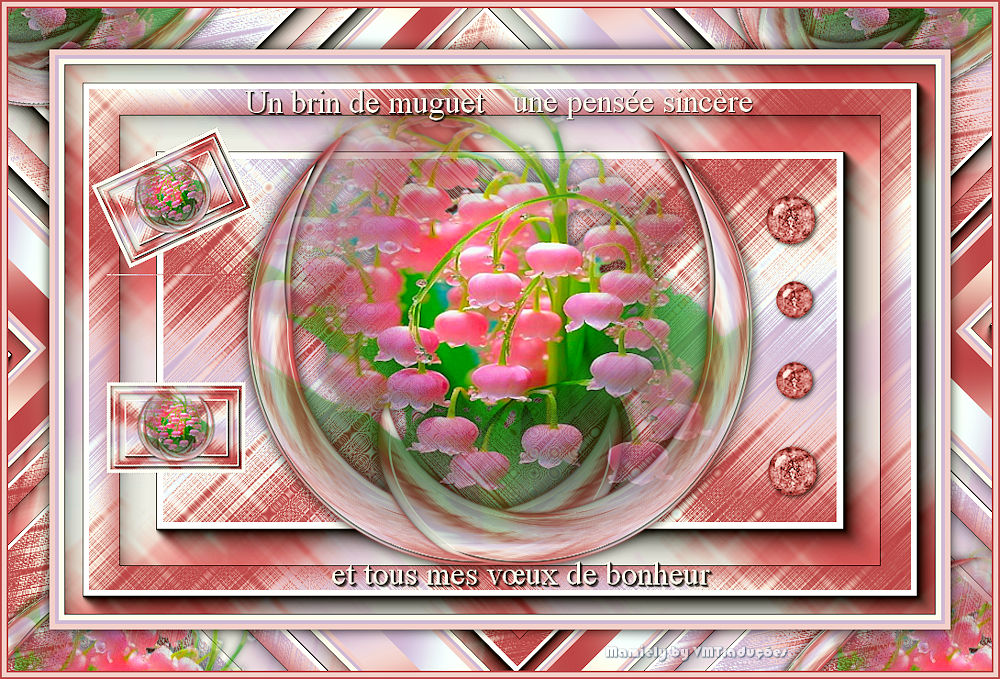
| Você precisará de 1 tube
floral
*
Coloque as seleções na pasta
Selections do PSP
*
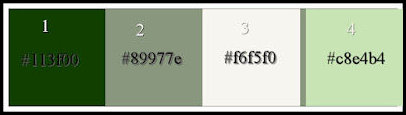
Cores originais: Foreground: cor 1 /
Background: cor 2
Abra uma nova imagem transparente com
950x600px
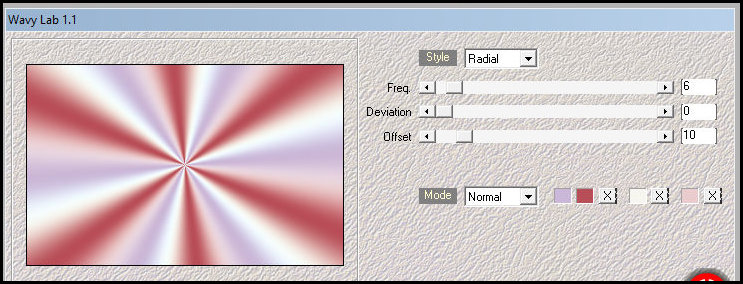
Effects / Plugins / Mehdi / Wavy lab
1.1
Cores: 2-1-3-4
Effects / Plugins / Unlimited 2 /
FunHouse / Xagerate
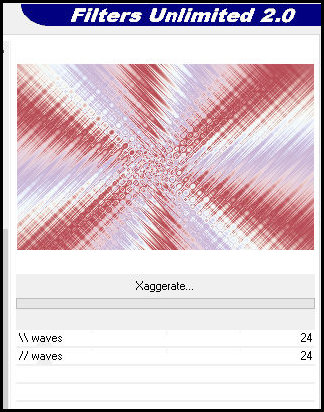
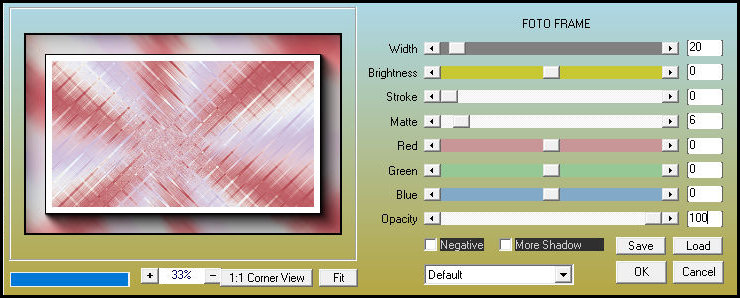
Effects / Plugins / AAA Frames / Foto
Frame
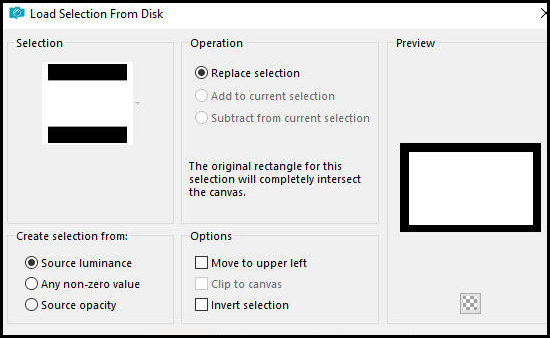
Selections / Load selectin from disk /
Selection [28.05.2025-ML]
Selections / Promote selection to
layer
Mantenha a seleção
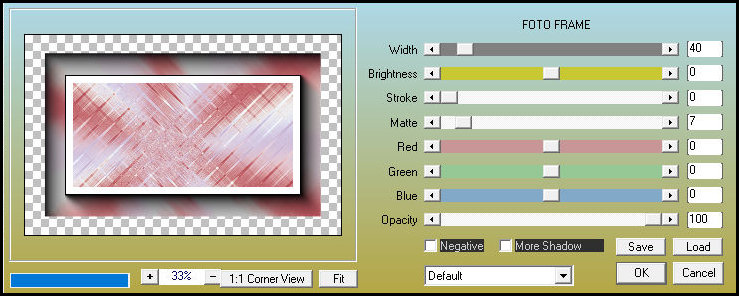
Effects / Plugins / AAA Frame s/ Foto
Frame
Select none
Drop Shadow: 0 0 85
35 cor 1
Repita o Drop Shadow
Layers / Duplicate
Image / Resize: 35% - all layers
desmarcado
Effects / Plugins / Flaming Pear /
Flexify 2
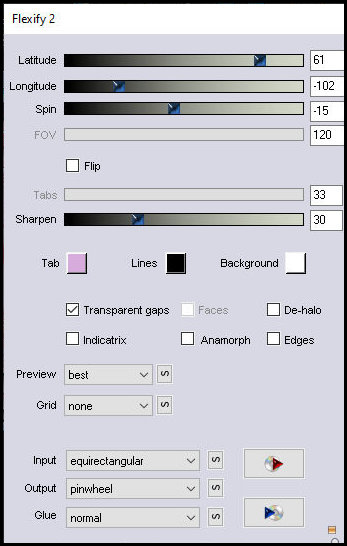
Layers / Duplicate
Image / Mirror / Mirror Horizontal
Merge down
Image / Flip / Flip Vertical
Drp shadow: 0 0 85
20 preto
Copie o tube [Muguet-00225-ML]
Cole como nova layer
Ative a Pick Tool e configure: X=236 -
Y=95 - Pressione M
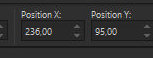
Drop shadow: 0 0 85
20 preto
Merge all
Duplique a imagem (shift+d)
Minimize a cópia e continue na imagem
original
Borda:
6px /cor 3
4px / cor 2
6px / cor 4
Selections / Select all
Borda: 45px / cor 3
Selections / Invert
Effects / Plugins / Mehdi / Wavy Lab
1.1 - igual anterior
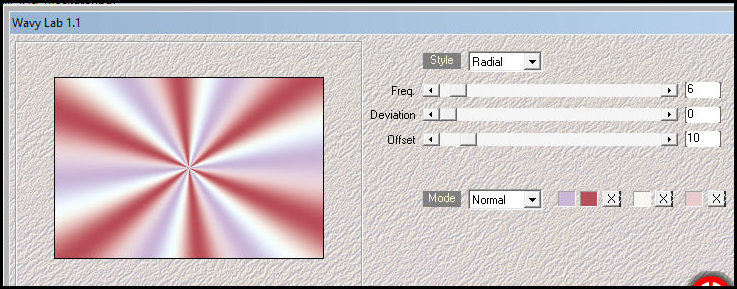
Effects / Plugins/ Simple / Diamonds
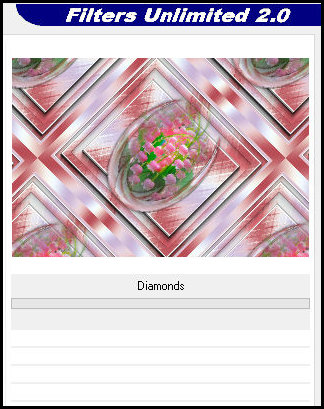
Selections / Invert
Drop shadow igual anterior
Select none
Borda:
2px / cor 1
5px / cor 4
2px / cor 1
Copiar o texto
Cole como nova layer
Não mova
Ative a imagem minimizada
Image / Resize: 15%
Borda: 4px / cor 3
Copie
Retorne à imagem original
Cole como nova layer
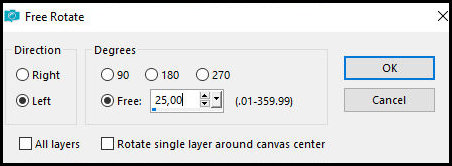
Image / Free Rotate - Left/25
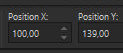
Ative a Pick Tool e configure: X=100 -
Y-139 - Pressione M
Layers / Duplicate
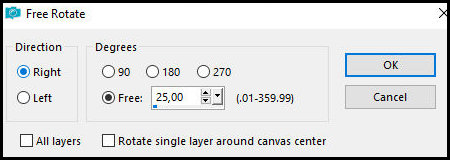
Image / Free rotate - Right/25
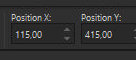
Ative a Pick Tool e configure: X=115 -
Y=415 - Pressione M
Merge down
Adjust / Sharpness / Sharpen
Copie o tube [Deco-Muguet_ML]
Cole como nova layer
Posicione conforme o modelo
Merge all
Image / Resize: 950px (width)
Coloque as assinaturas
Merge all
Salve como jpeg
|