|

This tutorial is from Mamiely who I thank for
letting me translate their tutorials.

Original here
Tubes

Tubes: Mamiely
Material

My images: Here
Plugins
Mehdi - Unlimited 2 - BKG
Kaleidoscope - VM Extravaganza - Tramages
You can find these plugins on the websites of:
Renée
Cloclo
You can also find this tutorial translated into these languages:
(Click on the flag)


|
Notes:
> Open the material / Duplicate (shift+d) / Close the originals
> Change the blend mode of the layers to match their colors.
> In older versions of PSP, Mirror Horizontal=Mirror / Mirror Vertical=Flip /
Pick tool=deformation
> Open the masks in psp and
minimize
>Adjust the size of the tubes according to your images
|
SCRIPT
You will need:
1 tube of Santa Claus
1 misted winter landscape
1 tube of abstract theme
*
Save the selections in the PSP
Selections folder
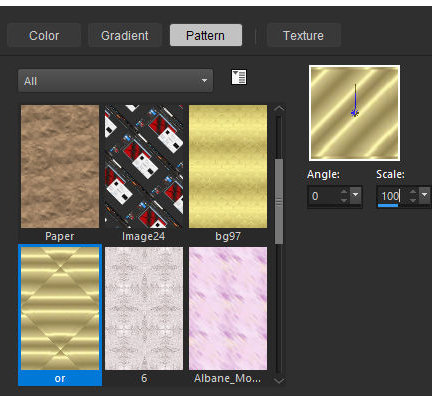
Open the pattern [Or] in the PSP workspace
*
1.
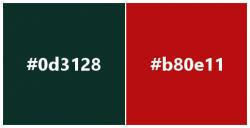
Original colors
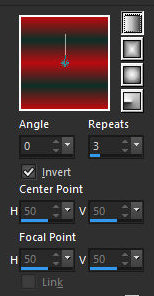
Prepare a Linear gradient
Open a new transparent image with 950x600px
Paint with the gradient
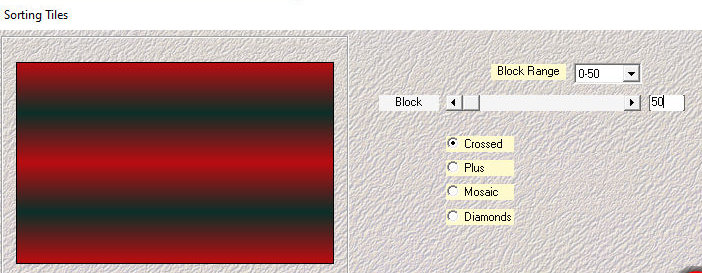
Effects / Plugins / Mehdi / Sorting Tile
2.
Effects / Edge Effects / Enhance
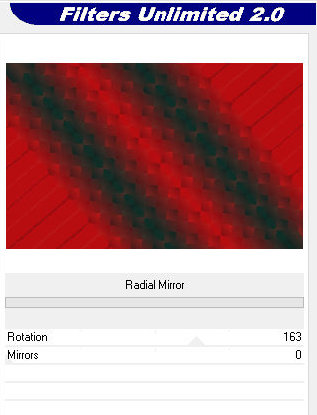
Effects / Plugins / Unlimited 2 / BKG Kaleidoscope / Radial Mirror
Add a new layer
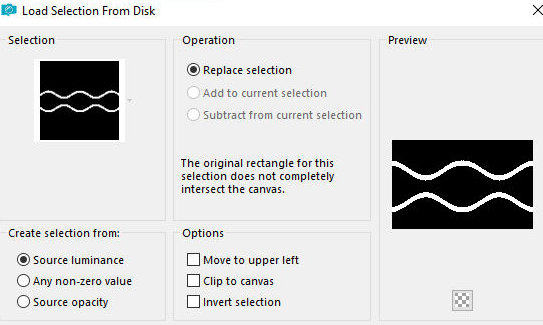
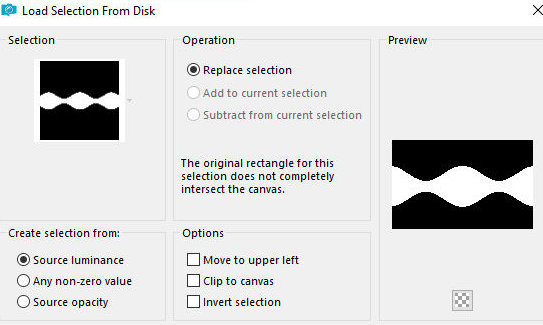
Selections / Load selection from disk / Selection [04-11-2025-01ML]
Paint the selection with the gradient
3.
Select none
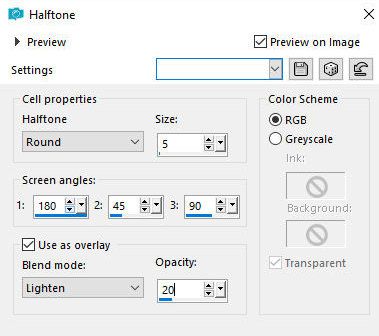
Effects / Artistic Effects / Halftone
Effects / Edge Effects / Enhance
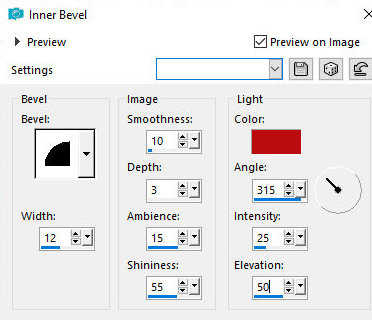
Effects / 3D Effects / Inner Bevel - color: red
4.
Add a new layer
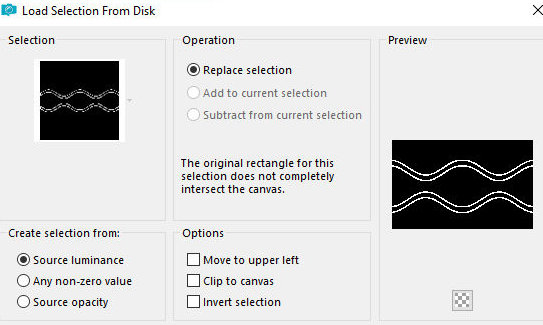
Selections / Load Selection from disk / Selection [04-11-2025-02ML]
Paint the selection with the pattern [Or]
Adjust / Sharpness / Sharpen - 2 times
Layers / Arrange / Move down
5.
Select none
Activate the top layer
Merge down
Drop shadow: 0 0 85 20 black
Add a new layer
6.
Selections / Load selection from
disk / Selection [04-11-2025-03ML]
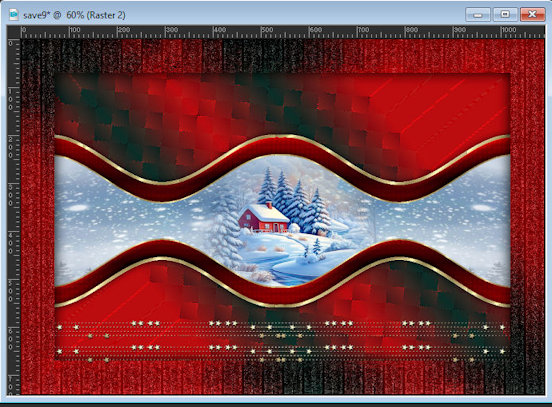
Copy the image [image Paysage-01]
Paste it into the selection
Copy the landscape [Misted paysage-ML]
Paste it as a new layer
7.
Center the image with the Move Tool
as shown in the model
Selections / Invert
Press Delete
Select none
Merge Down
8.
Activate the bottom layer
Copy (it will be stored in memory)
Activate the top layer
Merge all
Selections / Select all
9.
Border: 70px / White
Selections / Invert
Paste the image from memory into the selection
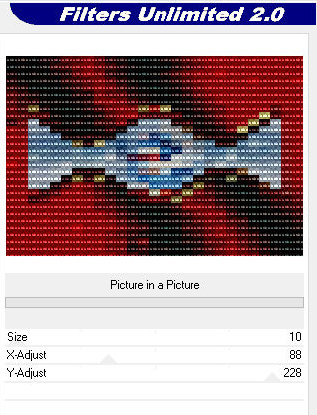
Effects / Plugins / Unlimited 2 / VM Extravaganza / Picture in
Picture
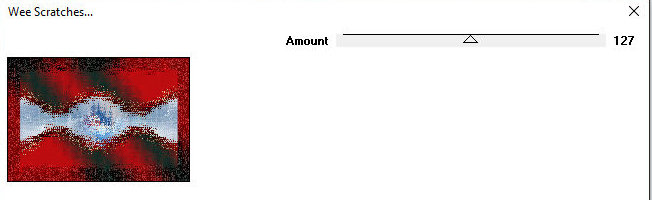
Effects / Plugins / Tramages / Wee Scratches
10.
Drop Shadow: 0 0 100 40
Select none
Copy the deco [Déco-Etoiles-ML]
Paste as a new layer
Position as shown in the model
11.
Copy the tube [Noeud de Noel]
Paste as a new layer
Position as shown in the model
Layers / Duplicate
Image / Mirror / Mirror Horizontal
12.
Merge down
Copy the tube [Boules de Noel]
Paste as a new layer
Objects / Align / Top
Copy the tube [Texte Joyeux Noel]
13.
Paste as a new layer
Position as shown in the model
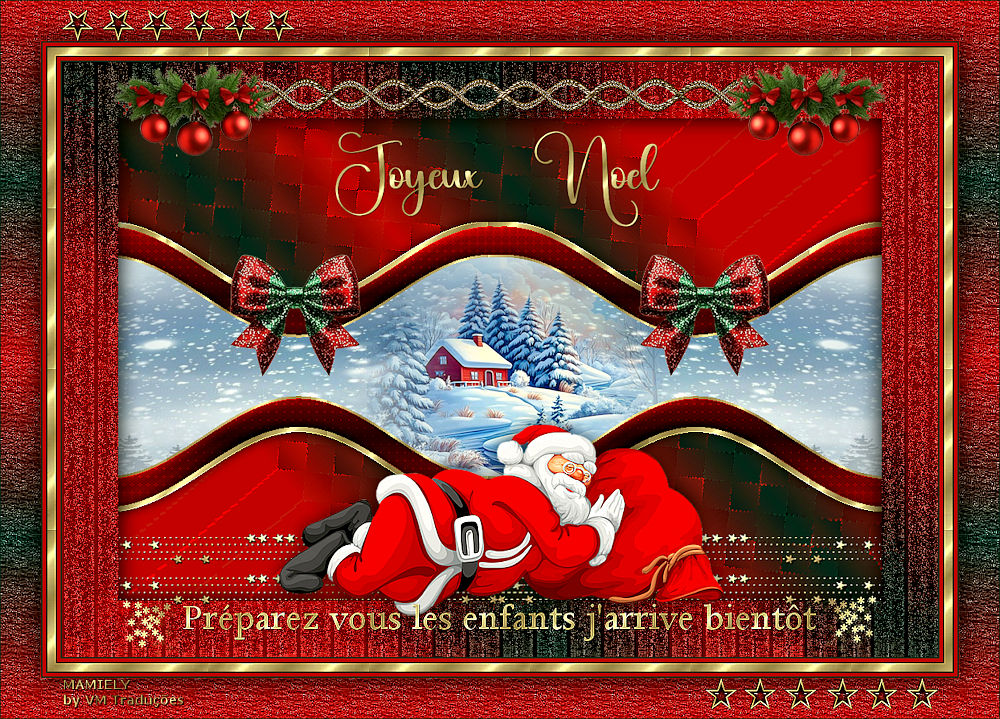
Copy the tube [Pere noel-ML]
Paste as a new layer
Position as shown in the model Model
14
Drop shadow of your choice
Copy the text [Texte Préparez vous les enfants]
Paste as a new layer
Position as per model
Merge all
15
Borders:
2px / color 1
4px / color 2
2px / color 1
Selections / Select all
Border: 10px / white
Selections / Invert
Paint the selection with the pattern [Or]
16
Adjust / Sharpness / Sharpen - 2 times
Select none
Borders:
2px / color 1
4px / color 2
2px / color 1
Selections / Select all
Border: 50px / white
17
Selections / Invert
Paint with the gradient
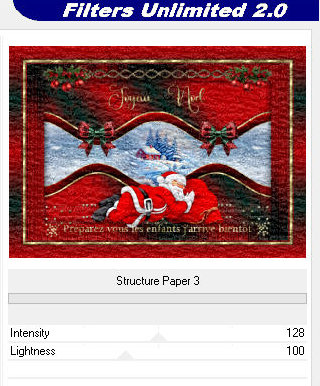
Effects / plugins / Unlimited 2 / Paper Texture / Structure Paper 3
Effects / Edge Effects / Enhance
Selections / Invert
18
Drop shadow: 0 0 85 40 black
Select none
Copy the tube [cadre etoiles]
Paste as a new layer
Border: 1px / color 1
19
Image / Resize: 1000px (width)
Add signatures
Merge all
Save as jpeg

|