|
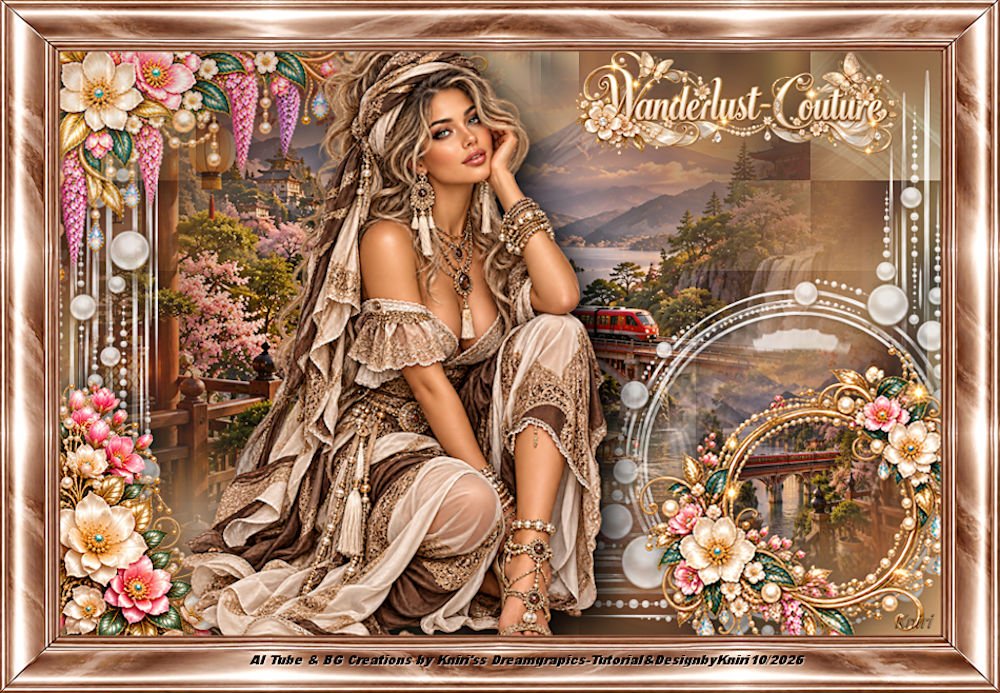
(imagem original de Kniri)
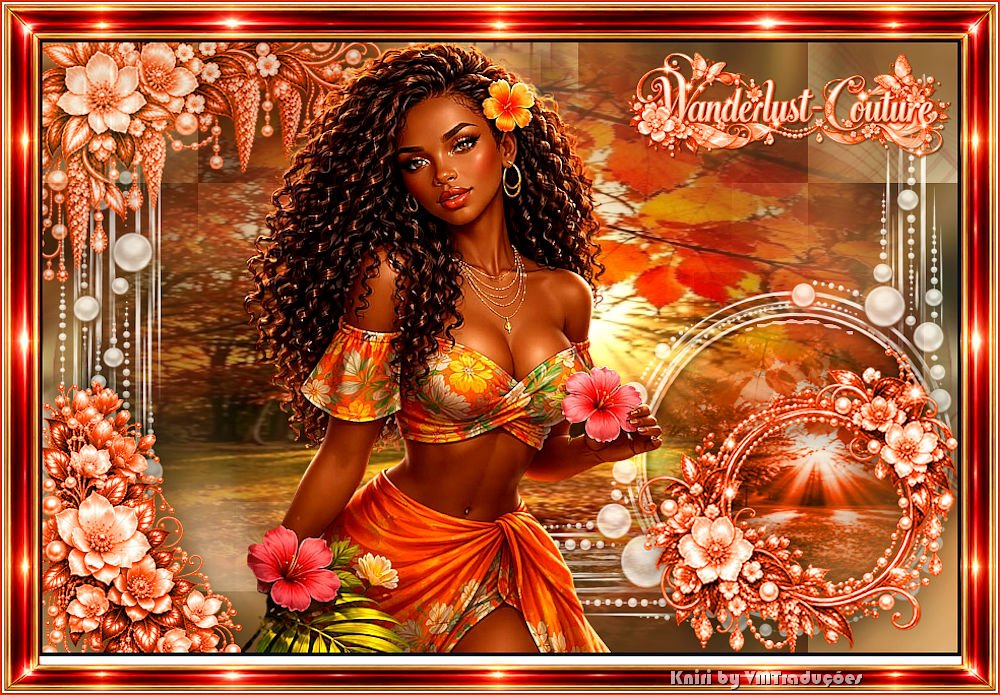
(minha versão)

This tutorial is from Kniri who I thank for
letting me translate their tutorials.

Original here

Tubes

Material

Plugins
Unlimited 2 - Special Effects 1 -
Render - VM Experimental - Eye Candy 5: Impact
You can find these plugins on the websites of:
Renée
Cloclo
You can also find this tutorial translated into these languages:
(Click on the flag)


|
Notes:
> Open the material / Duplicate (shift+d) / Close the originals
> Change the blend mode of the layers to match their colors.
> In older versions of PSP, Mirror Horizontal=Mirror / Mirror Vertical=Flip /
Pick tool=deformation
> Open the masks in psp and
minimize
>Adjust the size of the tubes according to your images
|
INSTRUCTIONS
Materials needed:
1 female tube
1 landscape image
***
Save the selections into the "Selections" folder in PSP.
Double-click the Eye Candy 5 preset to install it into the plugin.
***
1
Open [image 1] – duplicate it (Shift+D) – close the original.
On the copy: Layers – Duplicate.
Effects – Plugins – Unlimited 2 – Special Effects 1 – Binoculares.
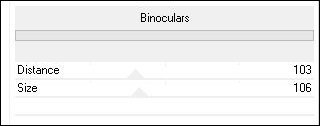
Drop shadow: 7, 7, 45, 45.00, black.
Effects – Plugins – Eye Candy 5: Impact – Backlight – Preset [TD-Marple Leaves
1].
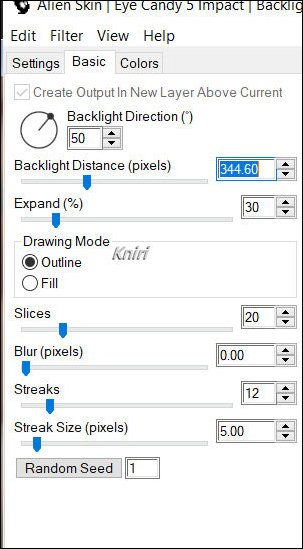
Repeat this plugin effect.
2
Image – Resize: 111% – ensure "All layers" is unchecked.
Pick Tool: X = -37, Y = 2 – press M.
Blend mode: Luminance (L) – Opacity: 54%.
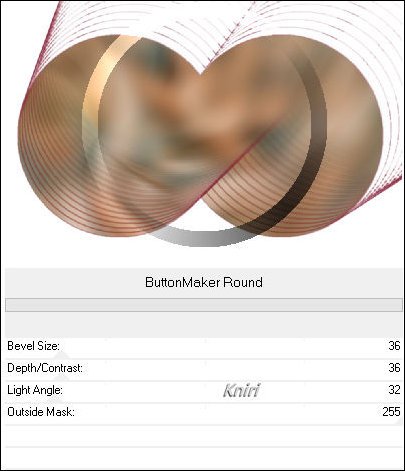
Effects – Plugins – Unlimited 2 – Render – ButtonMaker Round
3
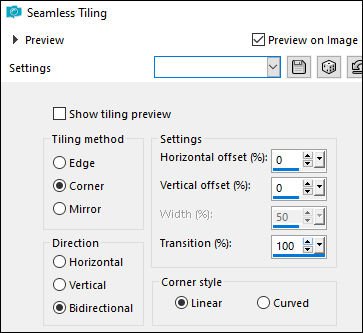
Effects – Image Effects – Seamless Tiling – default settings with
Transition = 100.
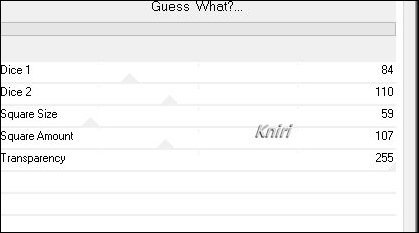
Effects – Plugins – Unlimited 2 – VM Experimental – Guess What?
Effects - Image Effects - Seamless
Tiling - default
Blend mode: Overlay - Opacity=54%
4
Effects - Reflection Effects - Rotating Mirror - default
Effects - Image Effects - Seamless Tiling - default
Opacity: 50%
5
Copy your landscape tube
Paste as a new layer
Adjust the size
Add a new layer
Fill with white
Layers - New Mask layer - From image - Mask [c79859kniri]
Merge group
Selections - Load selection from disk - Selection [k22]
Add a new layer
Open the landscape tube
Depending on the landscape, you may want to rotate it
Copy
Paste into the selection
Effects - Plugins - Eye Candy 5: Impact - Glass - preset [clear]
Layers - Arrange - Move down
Select none
Activate the top layer
Merge down
Opacity: 85%
6
Copy [deko1]
Paste as a new layer
Pick Tool: X=567.00, Y=282.00 - Press M
Copy [deko2]
Paste as a new layer
Pick Tool: X=(-16), Y=(-28) - Press M
Opacity: 75%
7
Copy [deko3]
Paste as a new layer
Pick Tool (K): X=(-7), Y=313 - Press M
Copy your main tube
Paste as a new layer
Adjust the size
Position according to the example
Apply a Drop Shadow of your choice
Copy one of the text elements from the materials
Paste as a new layer
Adjust the size
Position in the top-right corner
Apply a Drop Shadow of your choice
8
Border - 4px - black
Copy
Open one of the frames from the materials (Rahmen)
Paste as a new layer
Layers - Arrange - Move down
Activate the top layer
Merge down
Border - 2px - white
Border - 2px - a dark color sampled from the image
Adjust - Sharpness - Unsharp Mask [2-30-2-unchecked]
Image - Resize: 900px
Add credits
Merge all
Save as JPEG

|