|
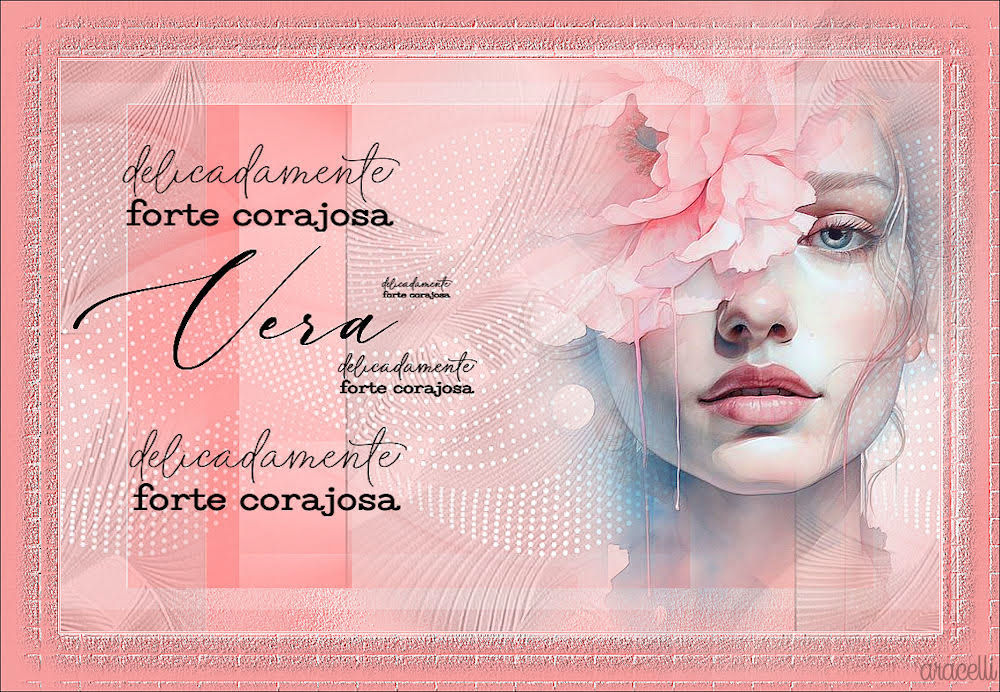
(imagem original de Aracelli)
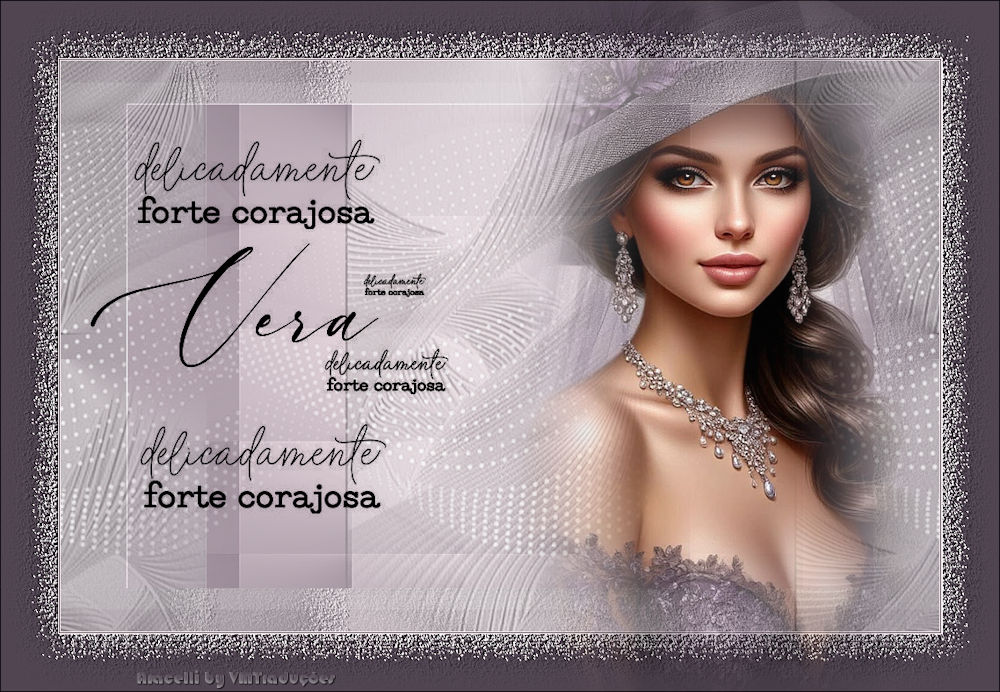
(minha versão)

This tutorial is from Aracelli who I thank for
letting me translate their tutorials.
* Aracelli, thank you so much for this lovely treat. May I
continue to be worthy of such affection.

Original here

Tubes

Material

Plugins
Unlimited 2 - FM Tile Tools
You can find these plugins on the websites of:
Renée
Cloclo
You can also find this tutorial translated into these languages:
(Click on the flag)


|
Notes:
> Open the material / Duplicate (shift+d) / Close the originals
> Change the blend mode of the layers to match their colors.
> In older versions of PSP, Mirror Horizontal=Mirror / Mirror Vertical=Flip /
Pick tool=deformation
> Open the masks in psp and
minimize
>Adjust the size of the tubes according to your images
|
SCRIPT
1 female misted tube
***
Materials
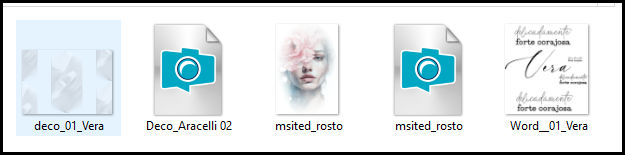
***
Minhas imagens
***
Open a new transparent image, 1000x650px
Set foreground color to #f69d9d and background color to #ffe1e2
PRINT
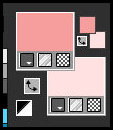
Prepare a Radial gradient
PRINT
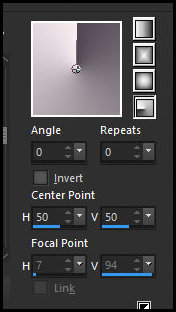
Fill the image with this gradient
Effects - Plugins - Unlimited 2 - <bkg Designer sf10 I - Cut Glass
BugEye
PRINT
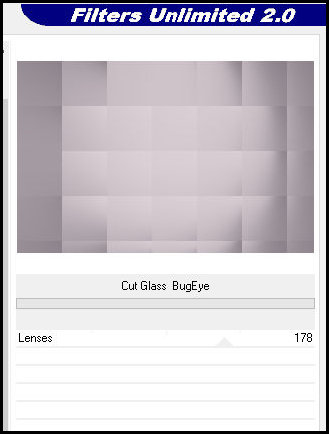
Layers - Duplicate
Image - Resize: 85% - "all layers" unchecked
Hide the "Copy of Raster 1" layer (click the eye icon)
Activate the "Raster 1" layer
Effects - Texture - Mosaic Antique
PRINT
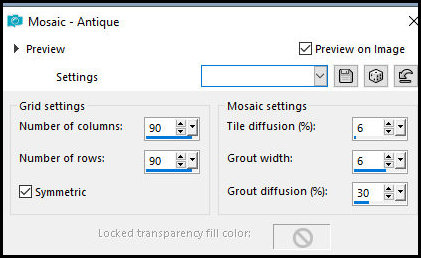
Effects - User Defined Filter - Emboss 3
Show and activate the "Copy of Raster 1" layer (click the eye icon)
Effects - Plugins - FM Tiles Tool - Saturation Emboss
PRINT
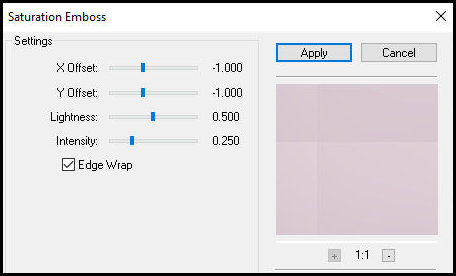
Copy [deco-01-vera]
Paste as new layer
No need to move
Copy [Deco-Aracelli-02]
Paste as new layer
No need to move
Adjust - Sharpness - Sharpen
Copy [Word-01-Vera]
Paste as new layer
Blend Mode: Multiply
Layers - Duplicate
Merge down
Pick Tool (K): X=34, Y=83; Press M
Image - Add borders - 1px - #ffe1e2
Image - Add borders - 1px - #f69d9d
Image - Add borders - 1px - #ffe1e2
Selections - Select All
Image - Add borders - 65px - #f69d9d
Drop shadow: 3, 3, 30, 60.00, black
Repeat with negative V and H values
Selections - Invert
Effects - Texture Effects - Mosaic Antique (same settings as before)
Effects - User Defined Filter - Emboss 3
Select None
Image - Add borders - 1px - #000000
Copy the main tube
Paste as new layer
Image - Resize: 1000x694px - "all layers" checked
Place the... Credits
Merge all
Save as JPEG

|