|
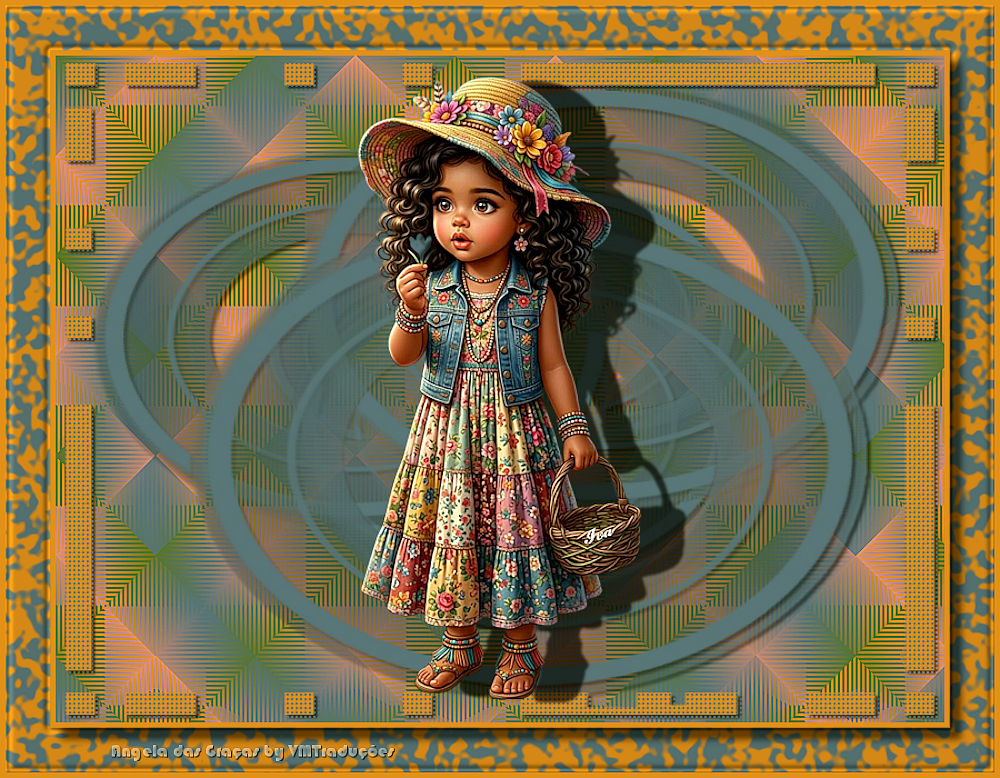

This tutorial is from Angela das Graças who I thank for
letting me translate their tutorials.

Original here
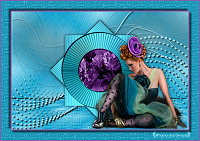
Tubes

Material

Plugins
Mehdi
You can find these plugins on the websites of:
Renée
Cloclo
You can also find this tutorial translated into these languages:
(Click on the flag)


|
Notes:
> Open the material / Duplicate (shift+d) / Close the originals
> Change the blend mode of the layers to match their colors.
> In older versions of PSP, Mirror Horizontal=Mirror / Mirror Vertical=Flip /
Pick tool=deformation
> Open the masks in psp and
minimize
>Adjust the size of the tubes according to your images
|
SCRIPT
Images:
1 female tube
*
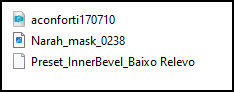
Material
*
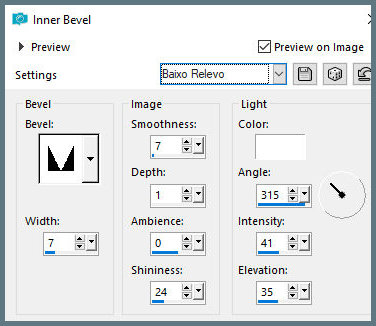
Place the [Baixo
Relevo] preset in the PSP Presets folder
*
My
images
*
1.
Choose two colors from your tube
and place the dark color in the foreground and the light color in
the background.
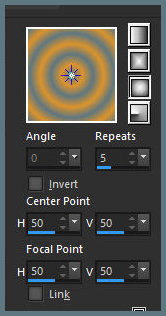
Prepare a Sunburst gradient
2.
Open a new transparent image with
800x600px.
Paint with the gradient.
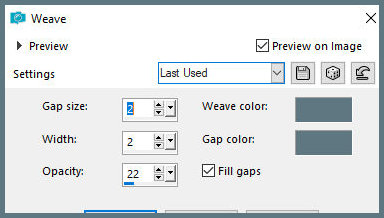
Effects / Texture Effects / Weave
3.
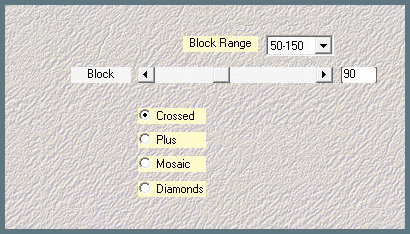
Effects / Plugins / Mehdi / Sorting
Tiles
Add new layer
4.
Paint with the dark color.
Layers / New mask layer / From
Image / Mask [Narah_Mask_0238]
Merge group
5.
Drop Shadow: 3 3 60 3 black color
Add new layer
Paint with light color
6.
Layers / New Mask Layer / From
image / Mask [aconforti170710] - INVERT CHECKED
Merge group
Drop shadow: 3 3 60 3 black
7.
Effects / Texture Effects / Weave -
same as before
Copy the main tube
Paste as a new layer
Adjust the size
8.
Drop shadow: 3 40 60 3.00 black
Image / Add borders / 5px / light color
Image / Add borders / 40px / a different color
9.
Select this 40px border with the
Magic Wand (tolerance/feather: 0)
Paint with the sunburst gradient from item 1 with invert checked
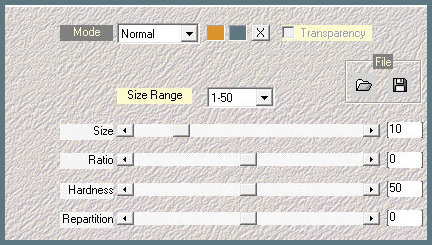
Effects / Plugins / Mehdi / Blots 2
10.
Selections / Invert
Drop Shadow: 10 10 60 10 black
Selections / Invert
11.
Effects / 3D Effects / Inner Bevel - preset [Low relief]
Select none
Image / Add borders / 5px / light color
12.
Add credits
Image / Resize: 800px (width) (optional)
Adjust / Sharpness / Sharpen (optional)
Merge all
Save as jpeg
*
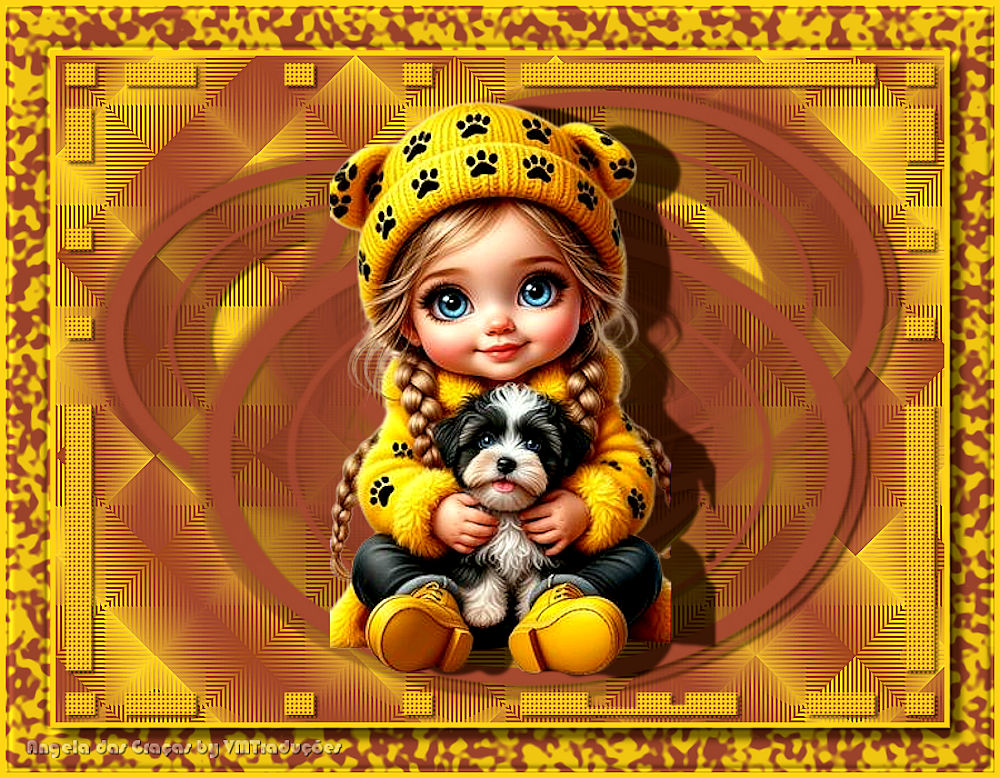
Outra versão

|